

Allow commands and file changes for a chat
The first command in a conversation asks Run a command? with the full command. The first file write asks Write a file? with the path.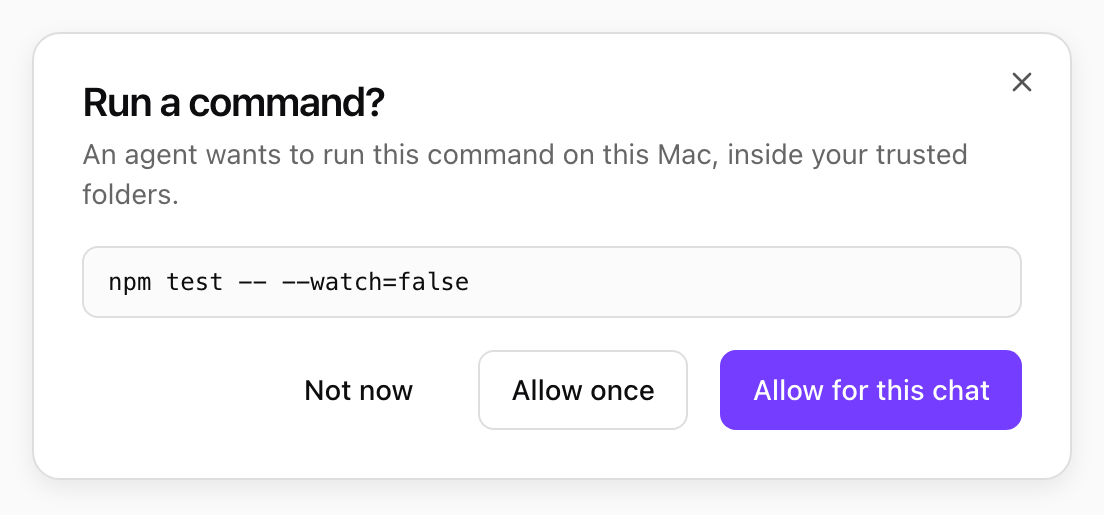
The first command in a conversation asks first. Shown with sample data.
What a command can reach
Each command runs in its own macOS sandbox, built from your trusted folders:
Shell network is on by default. Your organization can turn it off for everyone (Shell can reach the network in the Desktop policy), and you can turn it off for your Mac in Settings > Shell & files. Commands then still run, without network access.
When the shell does not run
- The policy turns the Shell off, or you turned Shell commands off in Settings.
- Files are off for this computer, in the policy or your Settings.
- No folder is trusted yet.
- The policy is read only, so the shell cannot write anywhere.
- The computer cannot run commands safely, for example on Windows today. The strip reads Shell unavailable and agents work with your files directly. See Where it runs.