

kubectl, the Snowflake or Google Cloud CLI, a language toolchain, the team’s conventions, is what the agent finds installed when its session starts. It is attached per agent, not per session: every conversation of that agent starts on the same computer.
This is a different thing from the two other places an agent has:
A CLI in the runtime environment often replaces a skill. An agent with the AWS CLI and a kubeconfig operates the account the way an engineer does, one command at a time, instead of needing a skill for every operation. The same holds for a Snowflake or Google Cloud CLI, or anything else a laptop would have.
What goes in
Platform > Agents > Runtime > Environments > New runtime environment: “Context, packages, setup scripts and config files an agent inherits when it attaches this environment.”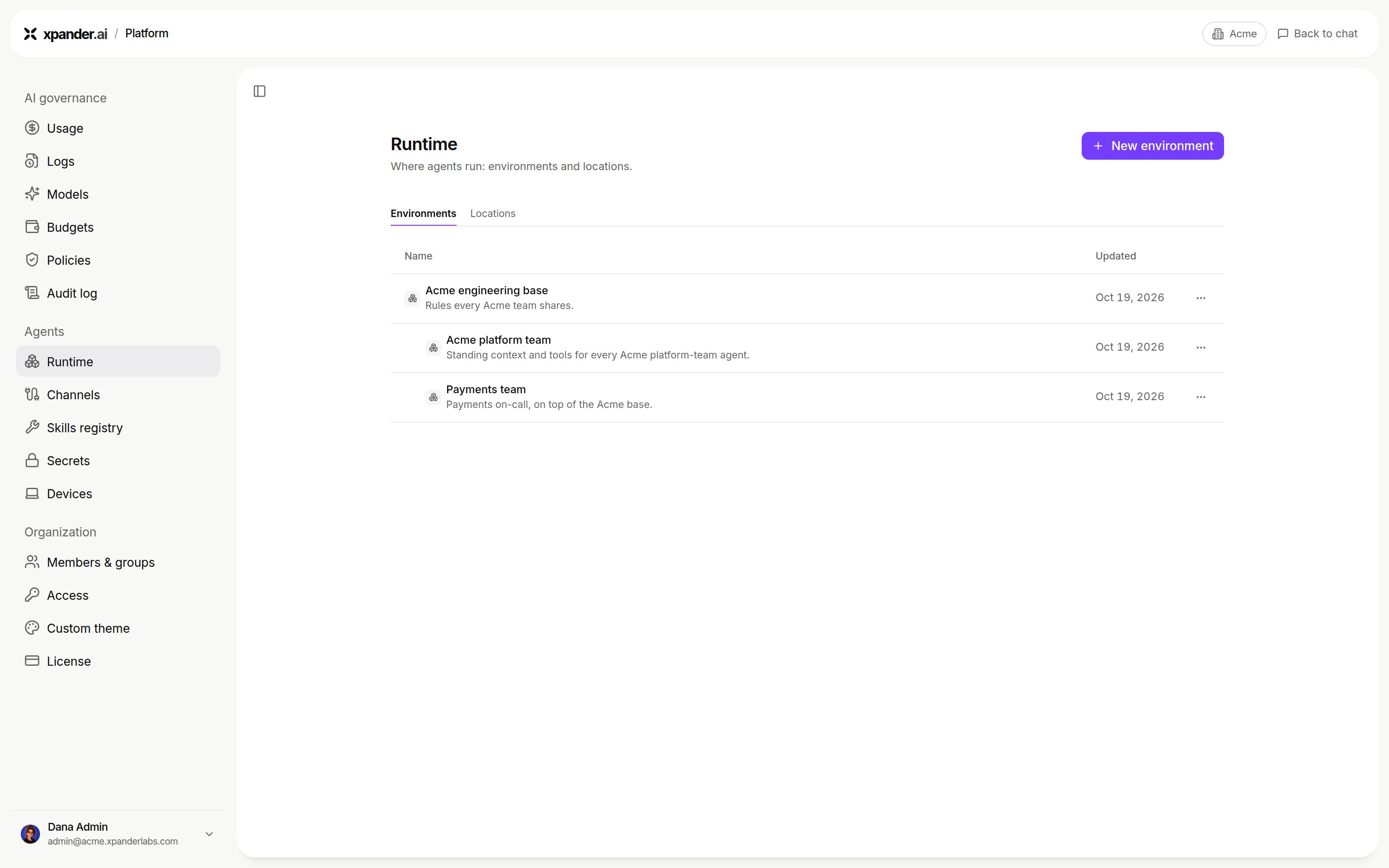
Platform > Agents > Runtime > Environments. Shown with sample data.
Install a CLI
Agent machines do not install brew packages. The brew field says so: “Agent machines do not install brew packages. Agents see these names as not installed.” The agent is told which brew packages were not installed, so it can tell you. Install a CLI in one of these ways:-
Use its pip, npm or pnpm package when one exists, for example
awscli(pip). -
Add a setup script that downloads the CLI’s release binary into
$XPANDER_ENV_BIN. Every agent on the environment then has it on PATH: