

supabase.auth.extraEnv in the chart).
How a sign-in works
- The user clicks SSO and types their work email under Sign in with SSO. The email only picks the organization and is never sent to the IdP.
client-authredirects the browser to your IdP with scopesopenid profile emailplus any you add. The client is confidential (client_idandclient_secret, no PKCE).- The IdP redirects back to
https://<app-host>/oidc/<organization-id>/callbackwith a code. client-authexchanges the code and reads the user from the IdP’s userinfo endpoint, from inside the cluster. The IdP must be reachable from the pods, not only from browsers.- xpander finds or creates the user by email in GoTrue and starts the session.
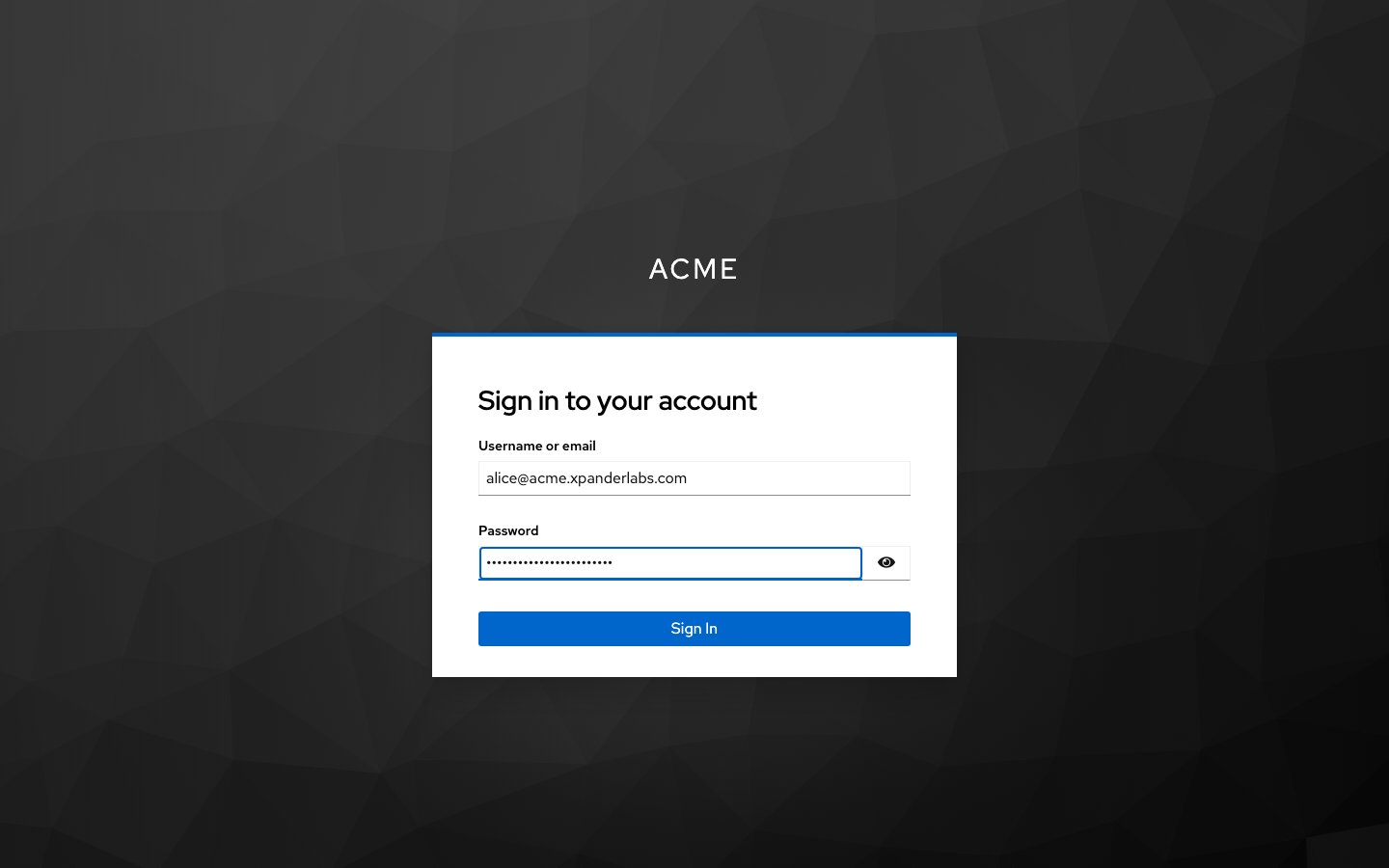
After the SSO button: the identity provider's own sign-in page, here Keycloak. Shown with sample data.
What to configure
In your identity provider
Give the pods a routable path to the IdP. Node egress addresses change, so an IP-restricted public entry refuses the token and userinfo calls even when the browser redirect works. Use a private-zone record and an internal load balancer, for example
keycloak.internal.<domain> on an internal ingress class, resolved so the issuer hostname still matches.
For agent pre-authentication, the client needs extra settings. Turn that switch on only after sign-in works.
Keycloak and preferred_username. Keycloak sends the account username, so user creation fails with Unable to validate email address: invalid format. Map the email onto it:
1
Open the mapper
Client scopes, the client’s dedicated scope, Add mapper, By configuration, User Property.
2
Map email to preferred_username
Name
preferred_username, Property email, Token Claim Name preferred_username, type String, “Add to userinfo” on.3
Retry
Retry the SSO sign-in.
email first, but add the mapper anyway: it works on every release.
In xpander (Platform > Organization > Access)
In the chart
client-auth is published as client-auth.<domain> and also serves skill OAuth redirects.
When it fails
Logs: the
client-auth pod (token and userinfo), the auth (GoTrue) pod (user creation) and the edge-runtime pod (oidc-callback).
Group sync with Keycloak
IdP groups map to xpander user groups in four steps:- Create a
groupsclient scope. Client scopes, Create client scope, namegroups, type Optional. Add a Group Membership mapper: namegroups, Token Claim Namegroups, Full group path off, Add to userinfo on. Then addgroupsto your xpander client as Optional. A mapper on the dedicated scope alone is not enough: Keycloak answerserror=invalid_scope. - Request the scope. Under Additional sign-in scopes, Add
groups, then Save configuration. xpander records claimgroupsfromuserinfo. - Sign in once, so xpander sees the group values.
- Link a group. Platform > Organization > Members & groups, the group’s menu, Link SSO groups. Pick a seen value or Add a group by name or ID with Add to list, then Save links. The row shows an SSO badge.
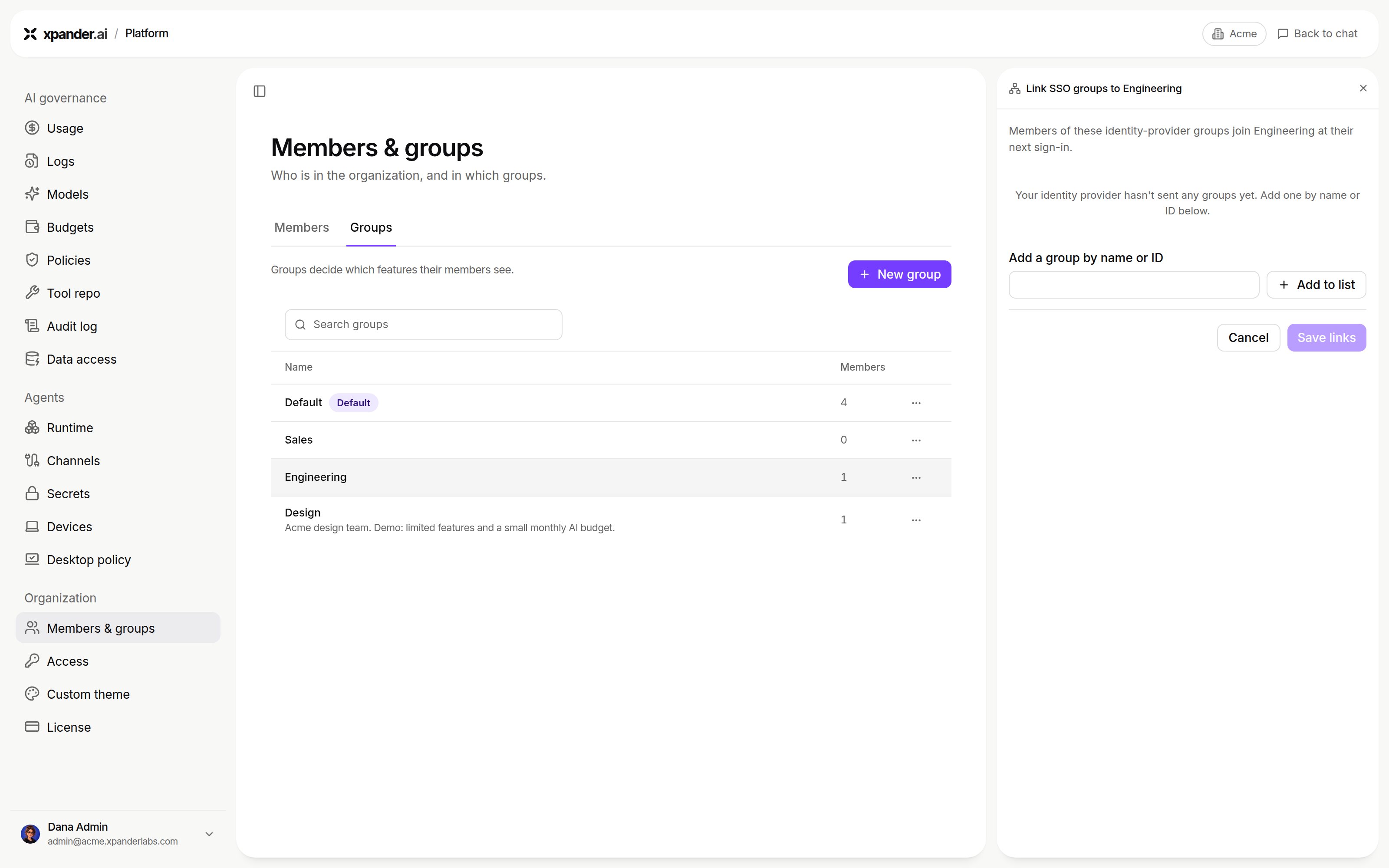
Link SSO groups, before the identity provider has sent any groups: add one by name or ID, then Save links. Shown with sample data.
GET /oidc/<org-id>/groups exists for Okta and Entra ID only. With Keycloak it answers 400, which is harmless.
Running Keycloak yourself
Give the pod at least 2 GiB when you use
kcadm.sh (each call starts a second JVM). Install Keycloak after its database, role and admin secret exist, or the release deadlocks.
Agent pre-authentication
Lets an agent act with the asking person’s own permissions where systems allow. xpander exchanges the person’s sign-in token (OIDC token exchange, RFC 8693) for a token scoped to the target system. At the IdP, the xpander client also needs:- Standard token exchange: on Keycloak 26,
standard.token.exchange.enabled=true. - Direct access grants enabled.
- An audience client for the target system.
- A client scope with an audience mapper for that client.
acme-inventory) and Token exchange scopes (for example the audience’s scope and openid). Click Save configuration.
Per-person sign-in to MCP connectors
An MCP connector can sign each person in through this IdP: Per-person sign-in for MCP connectors.Next steps
Sign each person in to MCP connectors
Per-person permissions.
Check what the license enables
SSO is a license feature.